Showing posts with label feature. Show all posts

Monday, February 11, 2013

Bridge CS6 New Feature: showing InDesign Linked Files

A second tres cool feature of Bridge CS6 is its ability to show those often hard-to-locate linked InDesign files.

Just navigate to the folder where the IDD document is located and select the document. (You should see a little "link" icon in the upper right corner.) Now make sure you have checked to show "Linked Files" in Preferences and voila1 there's the file list.


OK, now right- or control-click on the IDD doc, and you should see the following dropdown:


Select "Show linked files":


Bingo! No matter which folder they're in, there they all are:


Finally, if you have checked the "Color Swatches" and "Font" panels in Metadata Preferences, and then select any IDD doc, you'll be able to see at a glance which fonts and what colors are use din the document itself -- another very nice feature:


Tuesday, February 5, 2013

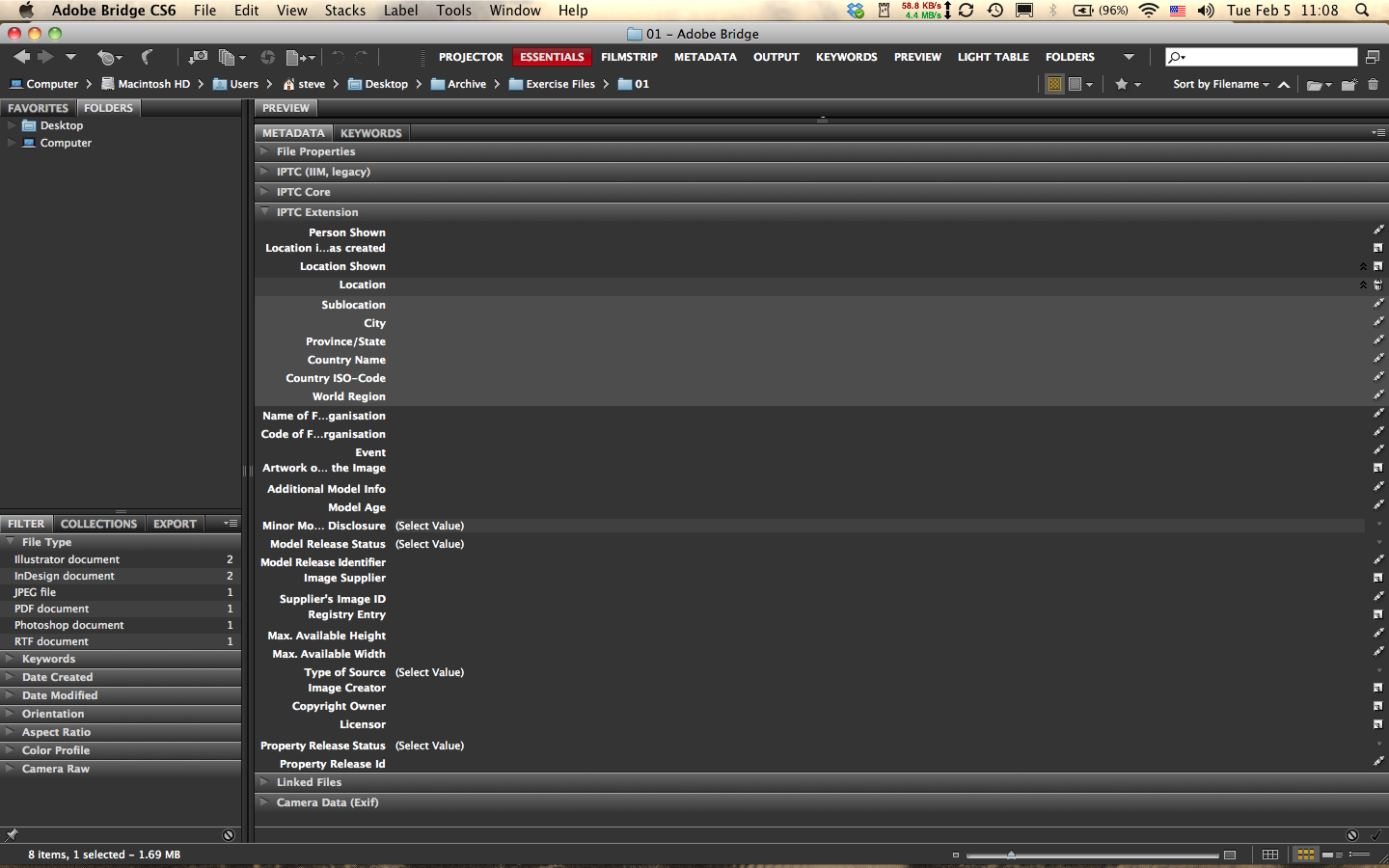
Bridge CS6 New Feature: IPTC Extension Panel

While little has changed between Bridge CS5 and 6, there are a couple of features in the latest iteration that will appeal to the serious archivist. The first is the new IPTC Extension Metadata Panel. Available as a download in CS5, this panel has now been fully integrated with the panel hierarchy in CS6. This new feature's importance is immediately obvious as soon as you open the panel (make sure it's checked in the Preferences): it adds a significant amount of data fields that will certainly appeal to professional photographers and image librarians.

Some of the fields can be expanded and even multiplied.

For example, in the image below I clicked the little "new page" icon on the far right side of the panel on the line "Location" and it added a set of subfields. The cool thing is I can click again and again and it will add additional fields. To delete one of the fields you added, simply click the trash icon. Voila!


Another interesting aspect of this new panel is the built-in dropdown menus for several data fields that have been increasingly important in the era of digital photography; fields such as

model age disclosure information:


model release status:


type of source:

and property release information (my favorite here):

Next: my second favorite new feature, a metadata panel for linking to InDesign files and a bonus!